
All Quiet changelog
Additional New Privacy Controls for Status Pages
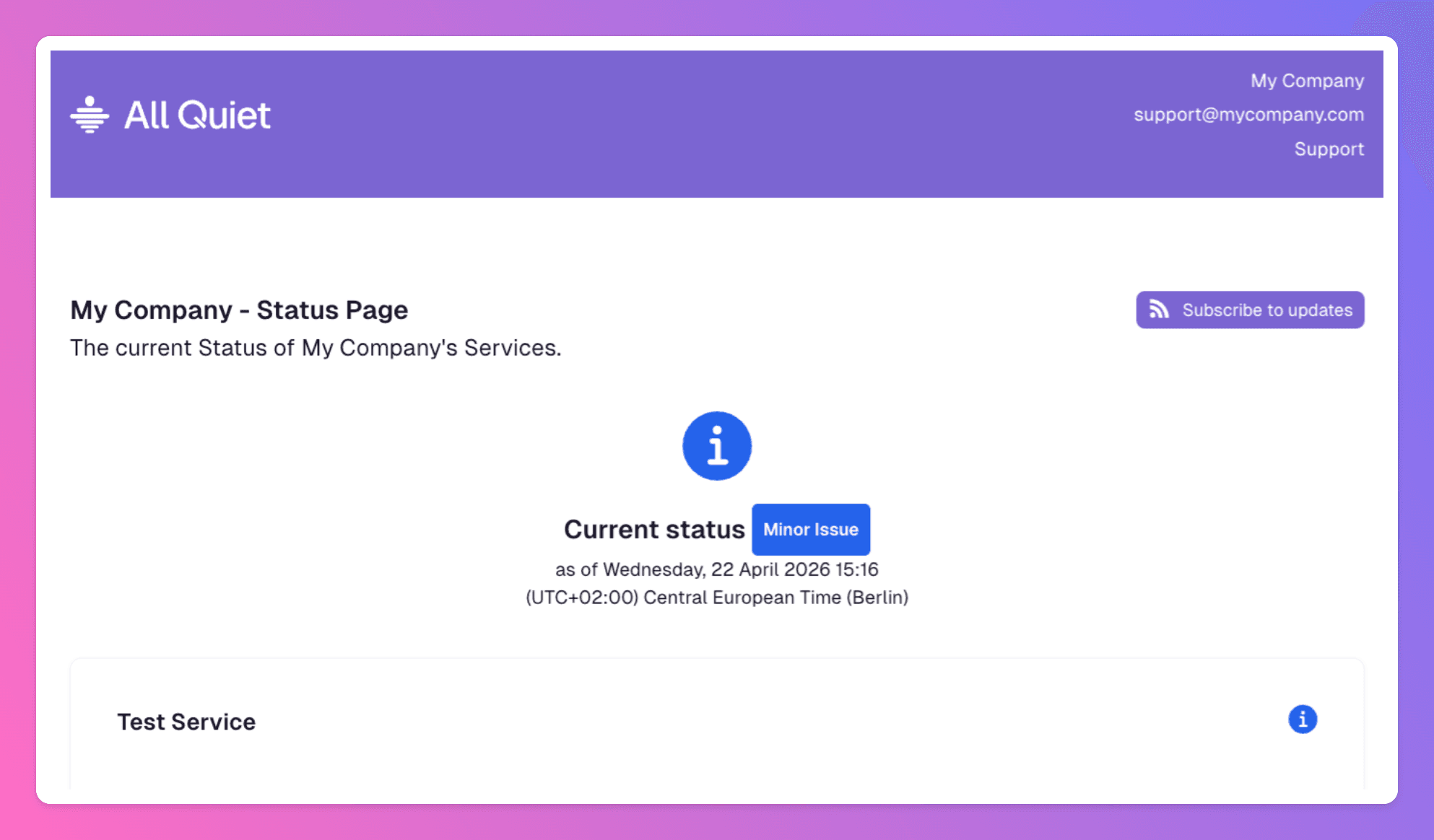
We updated All Quiet to give you precise control over your incident communication. You can now customize how much data your status pages reveal to the public or internal stakeholders.
Enhanced Privacy Settings
The new privacy controls allow you to balance transparency with security. You can adjust these settings directly in your organization's dashboard:
Feature | Description |
|---|---|
Current Status Only | Hides historical graphs, uptime percentages, and incident history. Use this to focus viewers on real-time availability. |
Hide Incident Details | Keeps severity indicators visible but hides specific incident titles, timelines, and public comments. |
Password Protection | Restricts access to your status page via Password. This includes the public JSON feed and status badges. |
Secure Access Management
Reliability requires trust, and trust requires secure data handling. When you enable password protection, All Quiet ensures:
Encryption: All passwords use industry-standard encryption.
Complexity: Passwords must be at least 6 characters long.
Full Coverage: Protection extends to the status page API and visual badges.
Why Use These Controls?
Many teams need to communicate incidents without exposing sensitive internal workflows. These updates help you maintain professional status pages while protecting your operational privacy. You decide exactly what your customers see during downtime.